My Chorez
Loading date and time...
 0
No chores yet!
No email required. Your Chorez profile and progress are stored only on this device.
 0
No chores yet!
Select a date to see your chores. 🤌🏻
What would you like to do?
Are you sure you want to delete this chore?
This cannot be undone.
0
 0
 1
You need to finish a chore first!
Complete a chore to earn
1

@username
Your Chorez account lives on this device. Create a backup before clearing browser data or moving to another device.
Choose your new Chorez username.
Enter your current password, then choose a new one.
Chorez uses this to keep your chore history organized correctly.
Your changes have been saved.
Are you sure you want to log out?
Your Chorez data will stay saved on this device.
Are you sure you want to delete your Chorez account?
This permanently deletes your chores, coins, history, MooCow progress, and local profile.
This cannot be undone unless you have a Chorez backup.
This section will only be used to report bug fixes, as the updated Chorez version will only be found on ESSAzLife World.
World Redirectory Patch
On the main login/create an account page, the button that redirects users to World for guest mode is now fixed and will not return a 404 error.
MooCow Bedtime Bug Fix
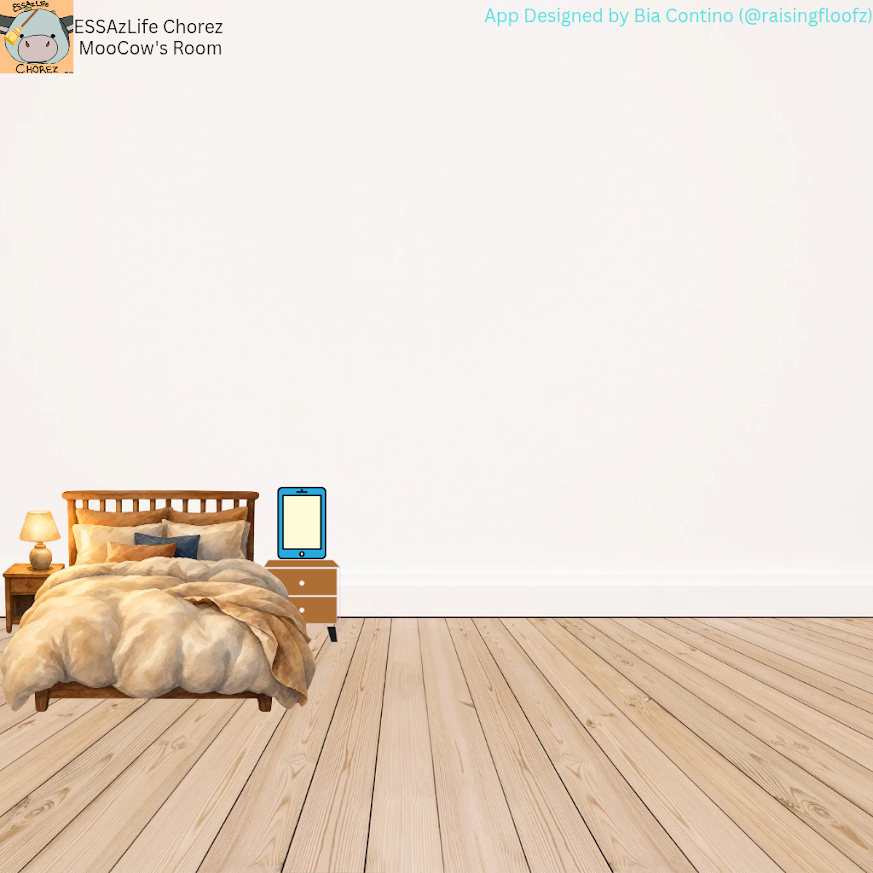
MooCow is now instructed to only lay on the bed if his hunger is less than 25, and more than 0.
The main login page now contains a link to ESSAzLife World.
Chorez Updates Bulletin Board!
You can now find app announcements, improvements, and new features right here.
Everything you need to know about keeping yourself — and MooCow — on track.
Add chores to your Chorez list and tap Done when you complete one.
Every completed chore earns you 1 Chorez Coin.
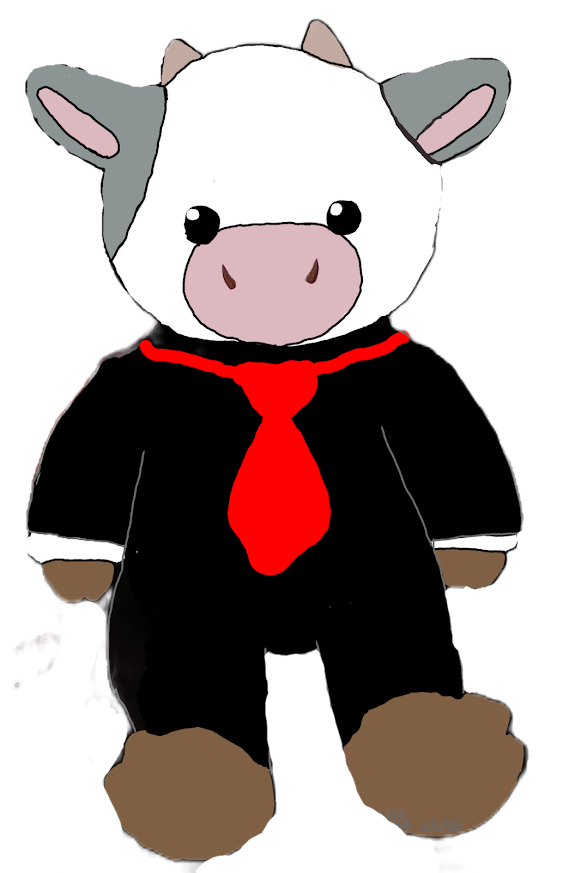
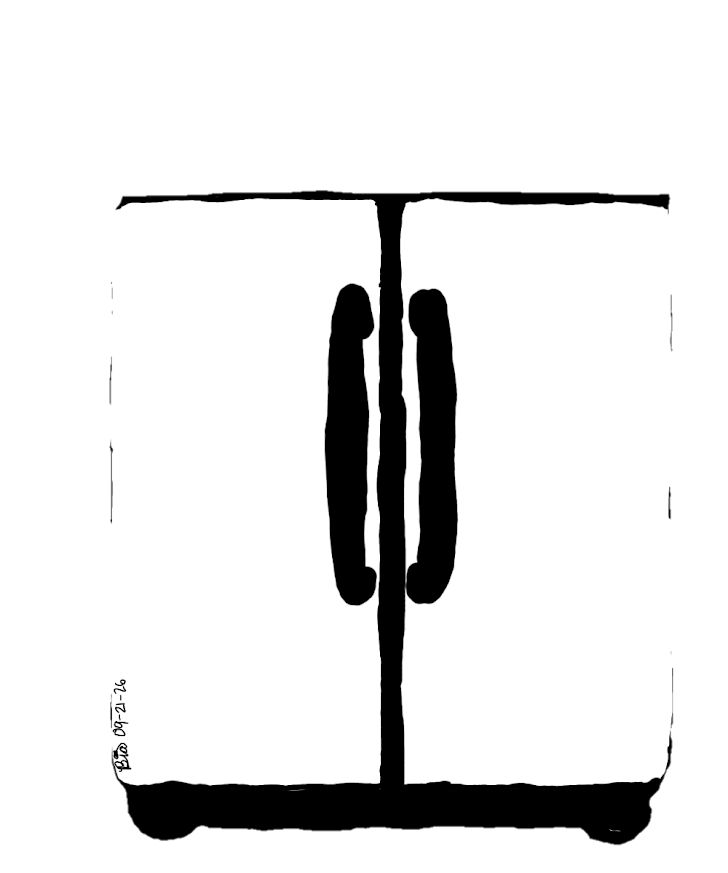
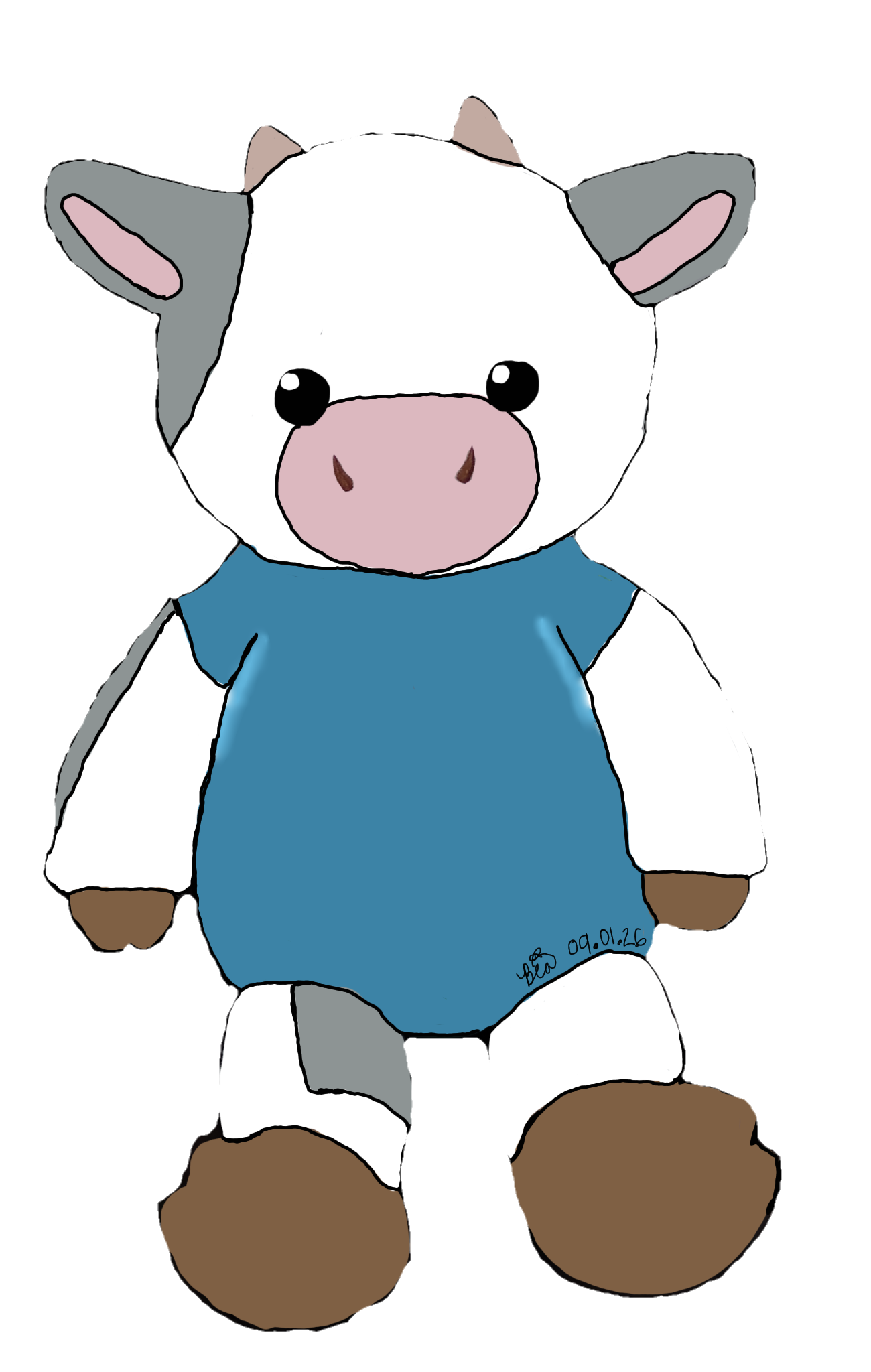
Visit MooCow and use your coins to get food from his fridge. Feed him to keep his hunger meter filled.
MooCow's hunger decreases over time. If it reaches 0%, he may pack his little suitcase and go stay with Voidy.
Complete chores to work toward getting MooCow back.
Open Chore History to view your calendar.
Select a date to see which chores were Done and which chores from that date are still Not Done.
Chorez stores your account and progress on this device instead of an online server.
Clearing your browser data or switching devices can cause you to lose your Chorez data unless you have a backup.
Open Profile and select Backup Chorez.
Keep the downloaded backup file somewhere safe. It contains the information Chorez needs to restore your local account and progress.
Open Profile and select Restore Backup.
Choose a Chorez backup file you previously created and follow the restore instructions.
Start the ESSAzLife Chorez walkthrough.
Visit another ESSAzLife app.
Keep track of your real-life ESSA's care, routines, training, anxiety, diary entries, and more.
Collect ESSAs, level up your trainer, unlock items, and hang out with familiar ESSAzLife characters.
Your Chorez data stays here when you visit another ESSAzLife app.
ESSAzLife World is the new home for our apps! 🐮💙
✨ Automatic Updates
Get the newest features and improvements through World!
🏠 Everything in One Place
Access PlayMode, Handler Edition, Chorez, and future apps
from one convenient hub!
👤 One World Account
Access your apps through your ESSAzLife World account.
🎉 Future Releases
New features and content will be released through World.
The standalone apps will remain available in their current versions.
📁 Bringing Your Progress?
Create a backup file in your standalone app's Profile tab.
Then open the matching app inside ESSAzLife World and
restore your backup file!
💙 Prefer to Stay Here?
That's perfectly okay! You can keep using this standalone
version without switching. The choice is yours!